English
- English
- 中文
Some precautions for replacing the iPhone battery on your own
Time: 2024-12-31 11:36:36
Author: Shenzhen GXHS Electronic Technology Co., Ltd.
Click:
Previously, Kuangshun Hongsheng has sorted out an iPhone battery replacement disassembly tutorial and installation guide for everyone, and the video of the full range of iPhone mobile phone battery replacement tutorials is also provided on the technical support page of Kuangshun Hongsheng's official website. However, there are still some precautions to be taken during the iPhone battery replacement process. Therefore, at the end of 2024, Guangxin Hongsheng will be supplemented in place for every
Previously, Kuangshun Hongsheng has sorted out an iPhone battery replacement disassembly tutorial and installation guide for everyone, and the video of the full range of iPhone mobile phone battery replacement tutorials is also provided on the technical support page of Kuangshun Hongsheng's official website. However, there are still some precautions to be taken during the iPhone battery replacement process. Therefore, at the end of 2024, Guangxin Hongsheng will be supplemented in place for everyone, and I wish everyone all their wishes come true, and the new year is better than the old year.
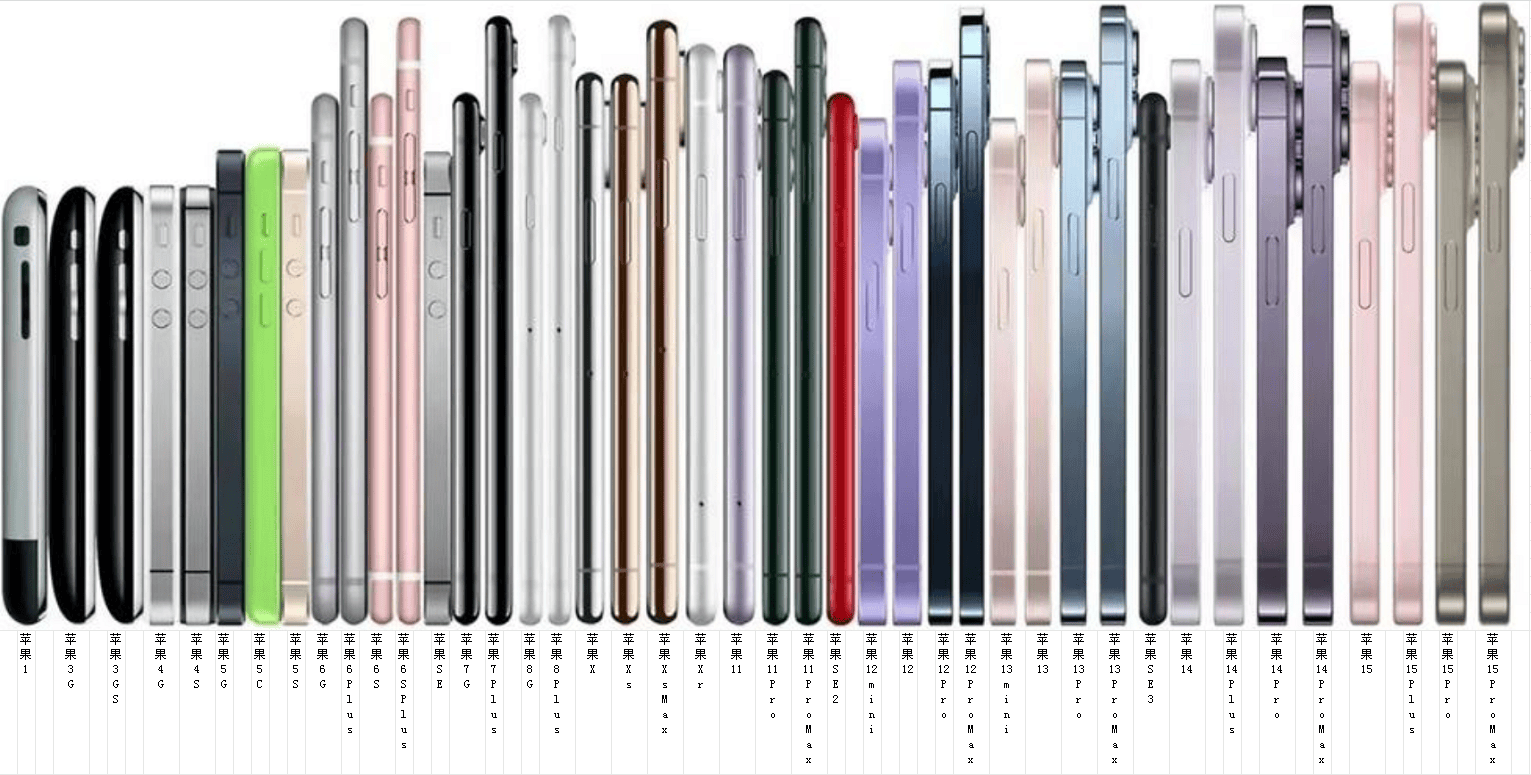
Preparation
Back up your data: Before replacing the battery, be sure to back up important data from your phone, such as photos, contacts, text messages, etc., through a tool such as iCloud or iTunes to prevent data loss.
Choose a battery: It is recommended to choose an original battery from a regular channel or a brand battery with reliable quality to ensure compatibility and safety, and avoid using inferior batteries that could affect the performance of the phone.
Prepare tools: Prepare professional tools such as five-point screwdrivers, plastic spudgers, suction cups, etc., and different models of iPhone may require different screwdrivers.
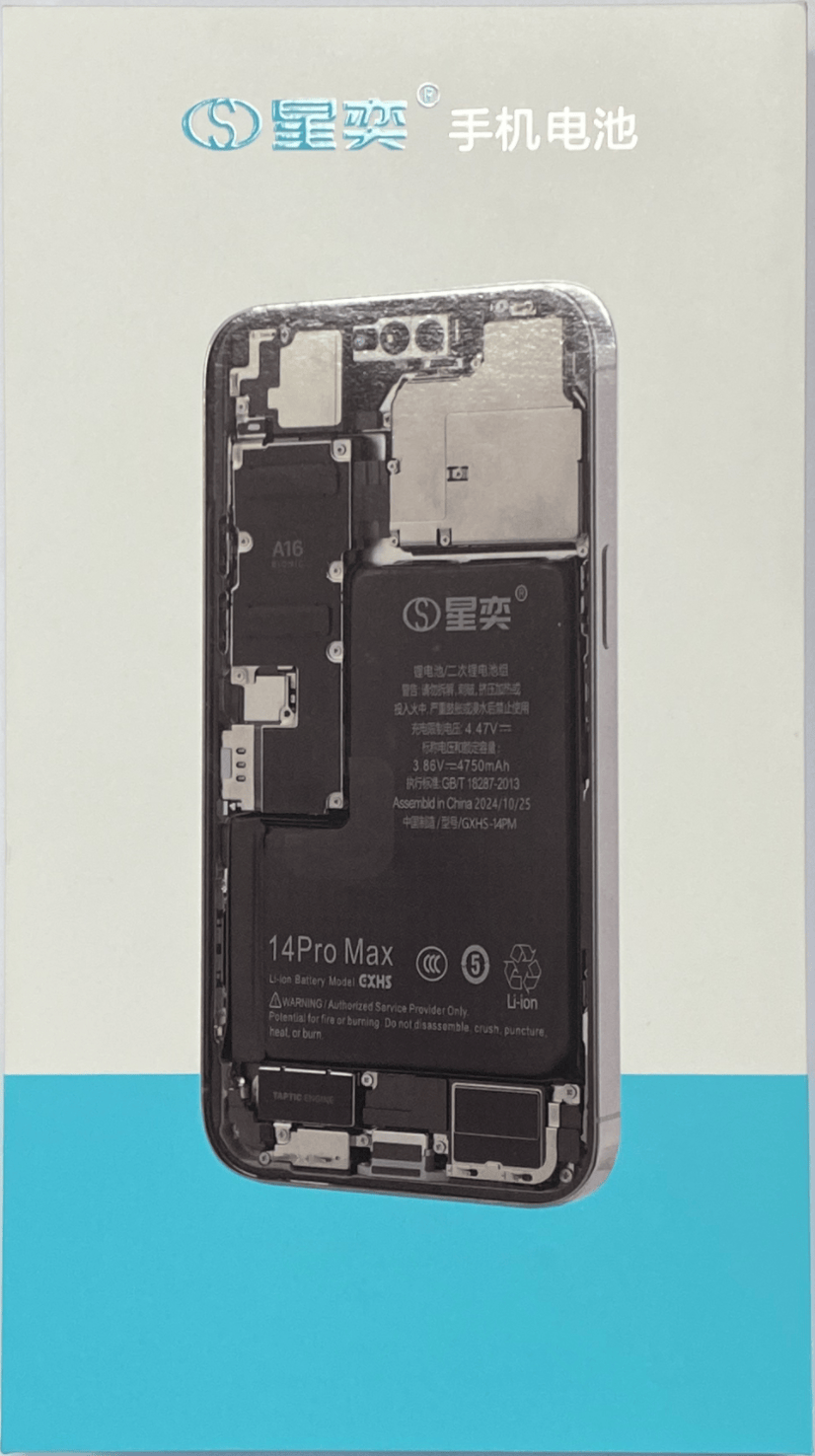
Disassembly process
Drain the battery and shut it down: Drain the phone until it automatically shuts down to reduce the risk of short circuit in the battery during disassembly, and then disassemble it after it is turned off to avoid potential safety hazards such as static electricity.
Careful disassembly: Be extra careful when disassembling parts such as the screen and battery, avoid damaging the screen, cables, or other internal components with excessive force, and pay attention to recording the position of the screws and the installation sequence of the parts to prevent misassembly.
Battery removal and installation
Pay attention to the battery glue: when disassembling the battery glue, you can properly heat the mobile phone to soften the battery glue, and then carefully remove it; if you encounter resistance, you can use a card to assist in prying the battery, and when installing the new battery, make sure that the battery is installed in place and connected firmly.
Avoid live operation: When installing the battery cable, you need to connect the cable to the motherboard first, then insert the battery, and then wrap the battery cable again to prevent live operation from burning the motherboard.

Installation & Testing
Screen installation: When installing the screen, pay attention to the connection of the cables, first install the earpiece cable, then install the screen cable, and finally connect the battery cable to ensure that the parts are tightly connected and not loose.
Functional test: Before installing the screws, start the test first, check whether the battery display is normal, and test whether the functions such as front camera, call screen, light sensitivity, fingerprint key, and face unlock are normal, and then turn off and replace the cover plate and screws after confirming that they are correct.
After-sales and maintenance
Pay attention to the warranty: Replacing the battery by yourself will cause the phone to lose its official warranty eligibility; if the phone is still within the warranty period, you need to carefully consider whether to replace it yourself.
Battery maintenance: Try to fully charge the new battery before using it to help calibrate the battery, avoid exposing the phone to extreme high or low temperatures during use, and check the battery health status regularly.

The bell of 2025 is about to ring; despite the disappointment and hardship, we are still full of hope and joy, let us continue to move forward bravely in the long river of years.

Home | About Us | News | Contact
Product | battery | Rechargeable | Official Mall
Tel :0755-8860 5858
E-mail:cmq@szgxhs.com
Add : F3, No. 18, Dishan North Road,
Xinsheng Community,Longgang
Street, Longgang District,Shenzhen,
Guangdong, China